
Enabling factors in BowTie Pro are conditions or circumstances that increase the likelihood of a threat occurring. These factors are linked to threats within a LOPA assessment and help provide more accurate and realistic risk evaluations.
Enabling factors are commonly used to represent:
- Human errors
- Environmental conditions
- Equipment issues
- Operational weaknesses
- Process limitations
Adding enabling factors helps organizations better understand the conditions that may contribute to incidents.
Opening the Threat Details Screen
To add enabling factors:
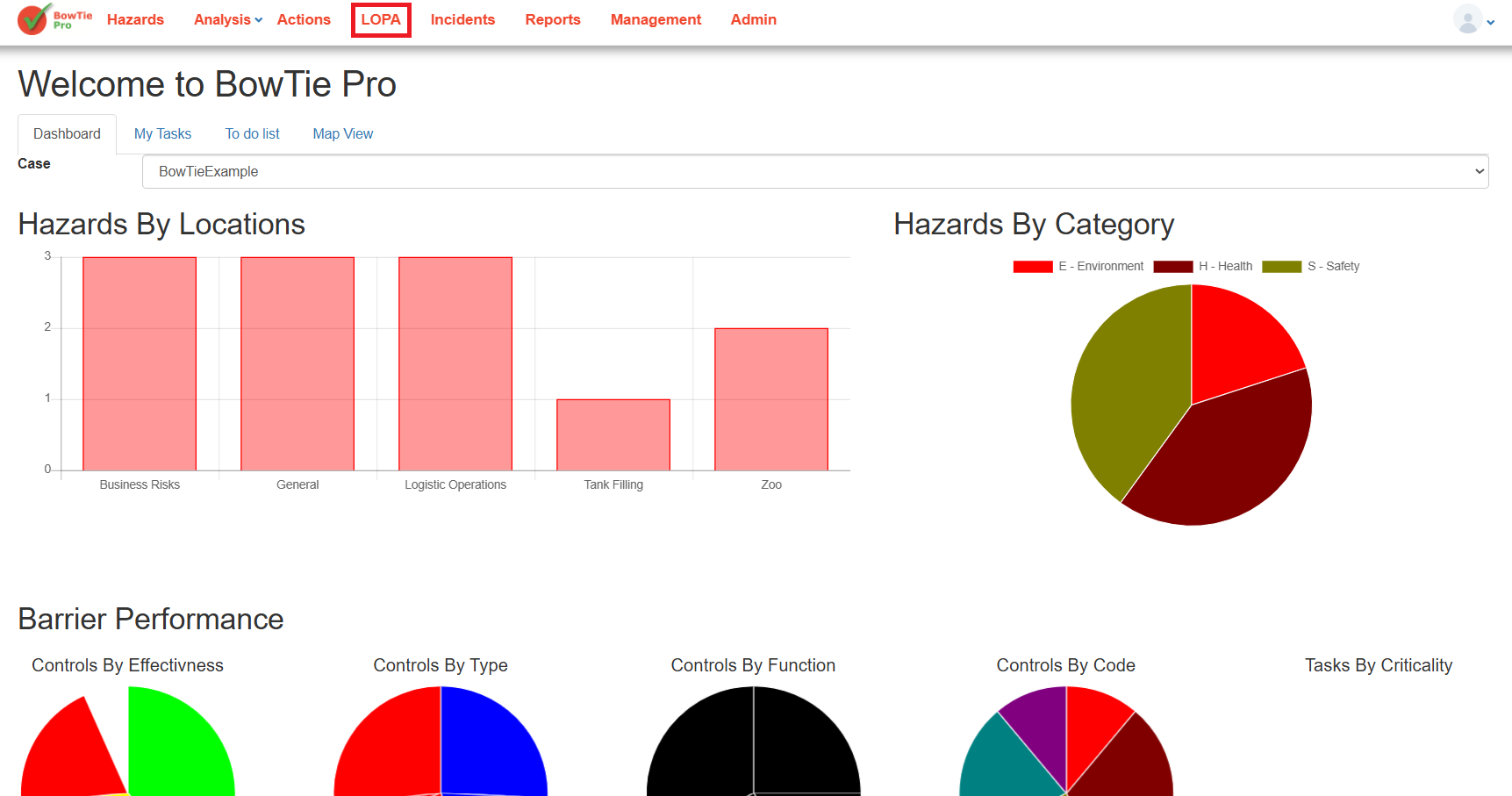
- Open the LOPA module from the top navigation menu.
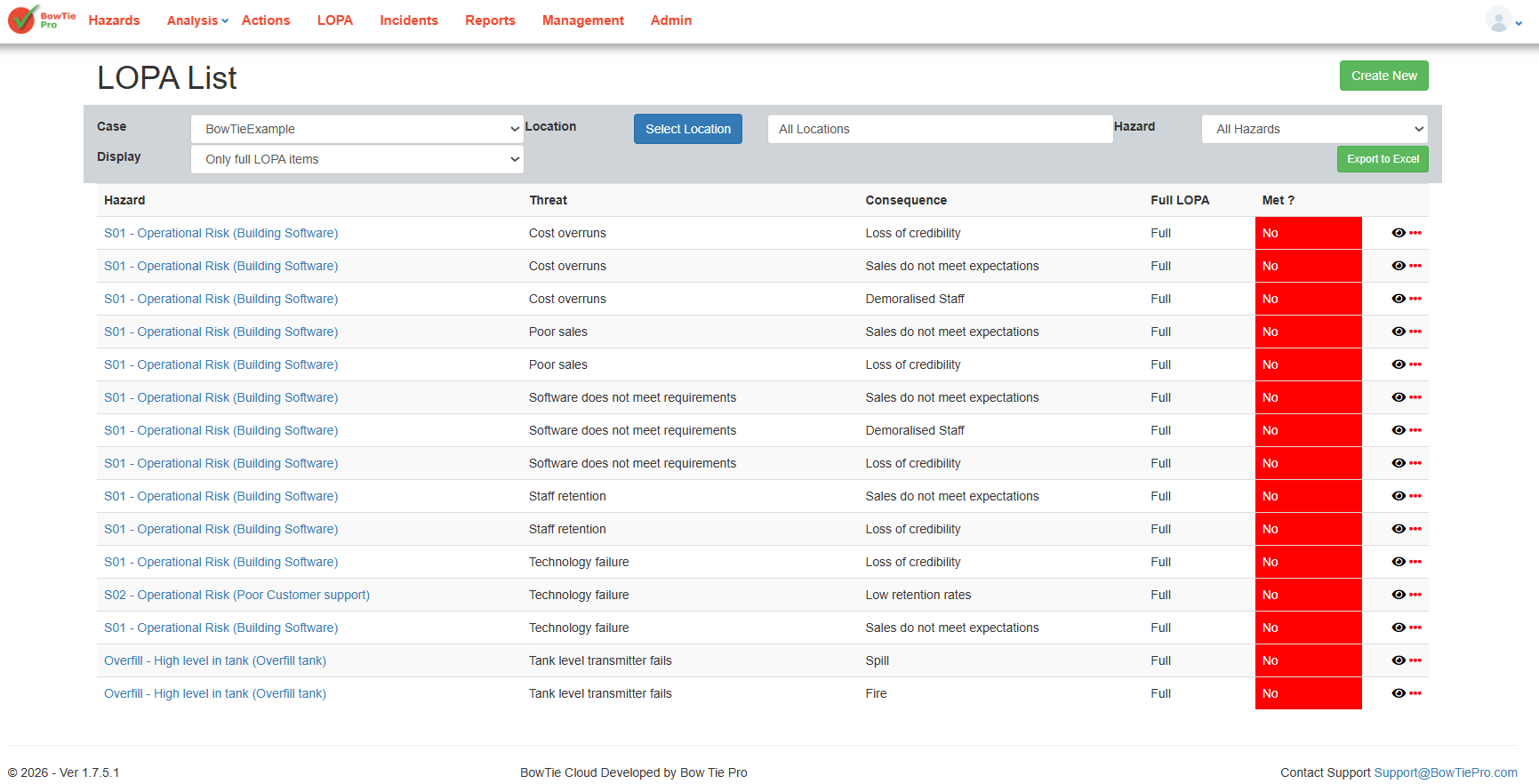
- Open an existing LOPA assessment diagram.
- Click the small information (i) icon below the threat.
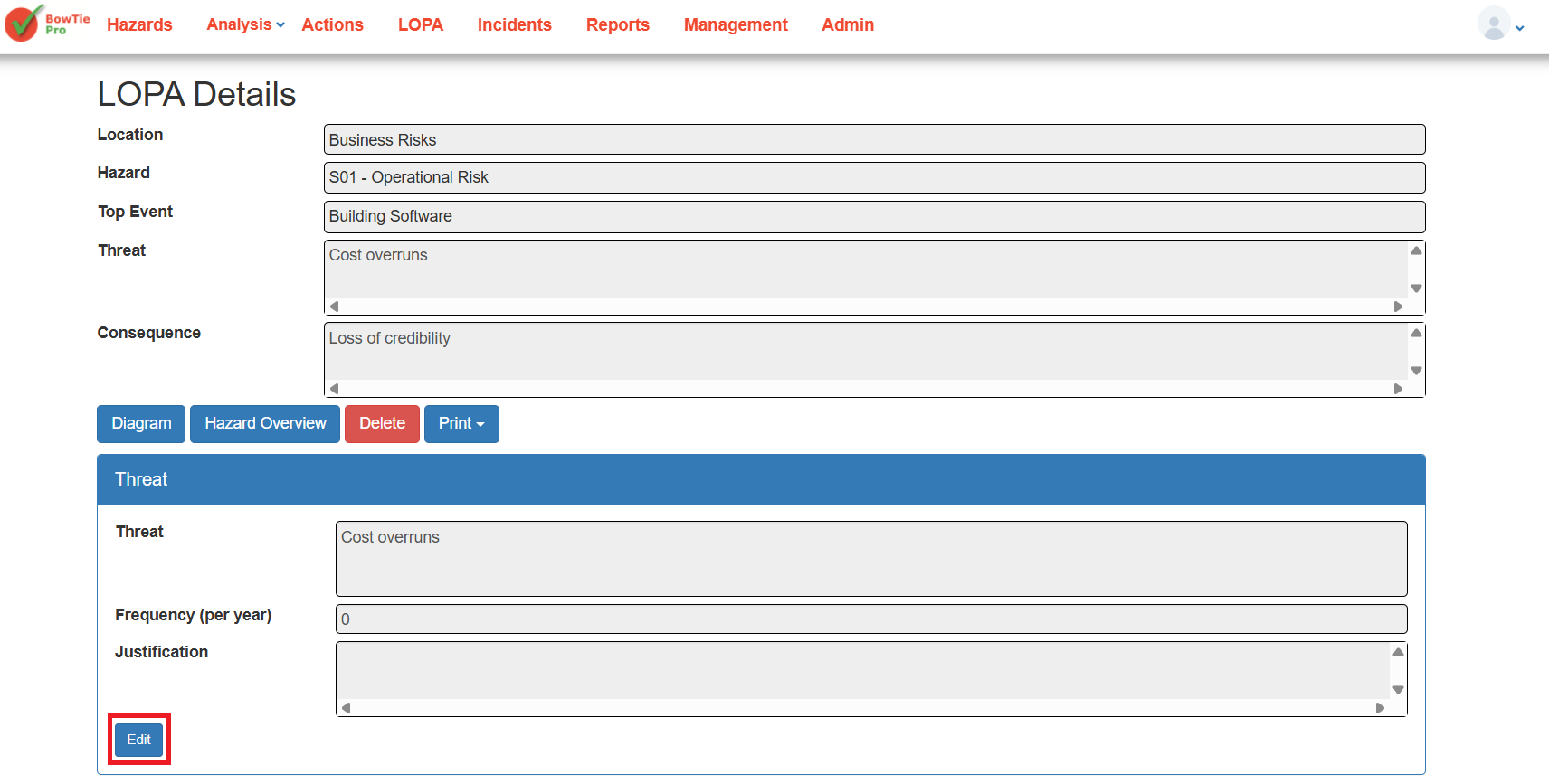
- Click Edit from the popup window.
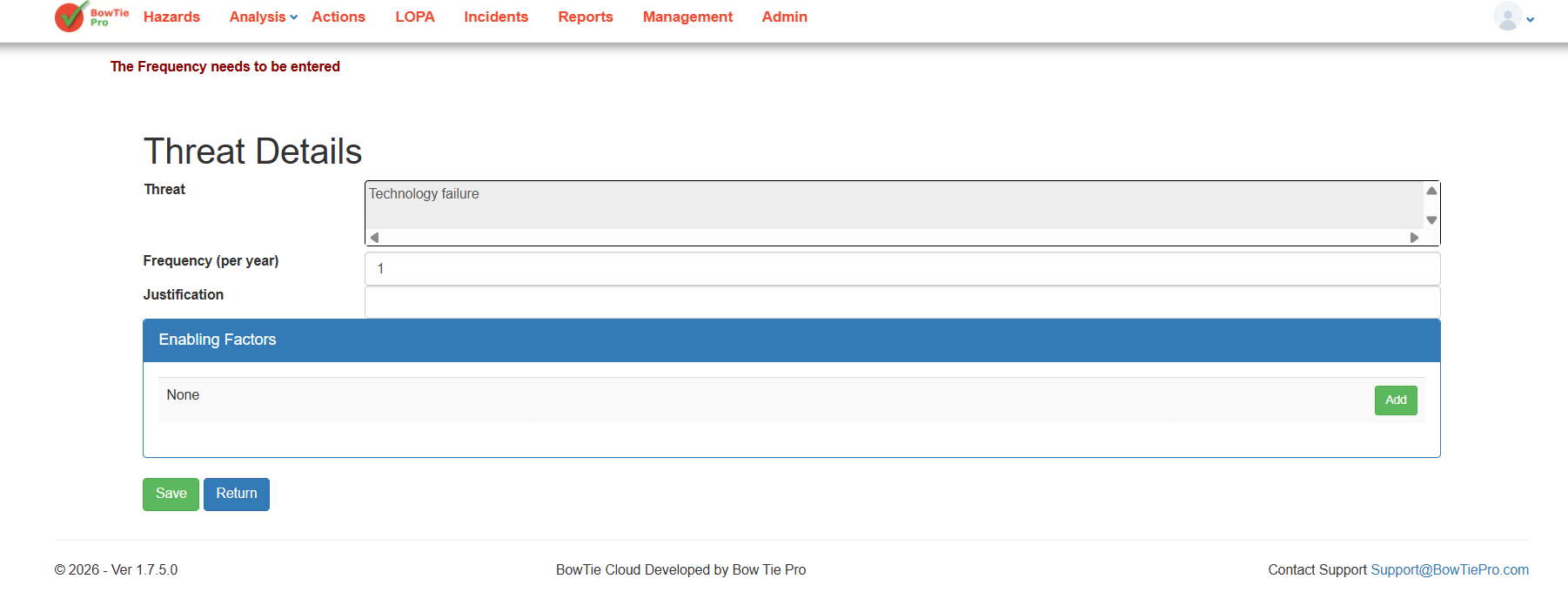
- You will be taken to the Threat Details screen.
Adding a New Enabling Factor
Inside the Enabling Factors section:
- Click the green Add button.
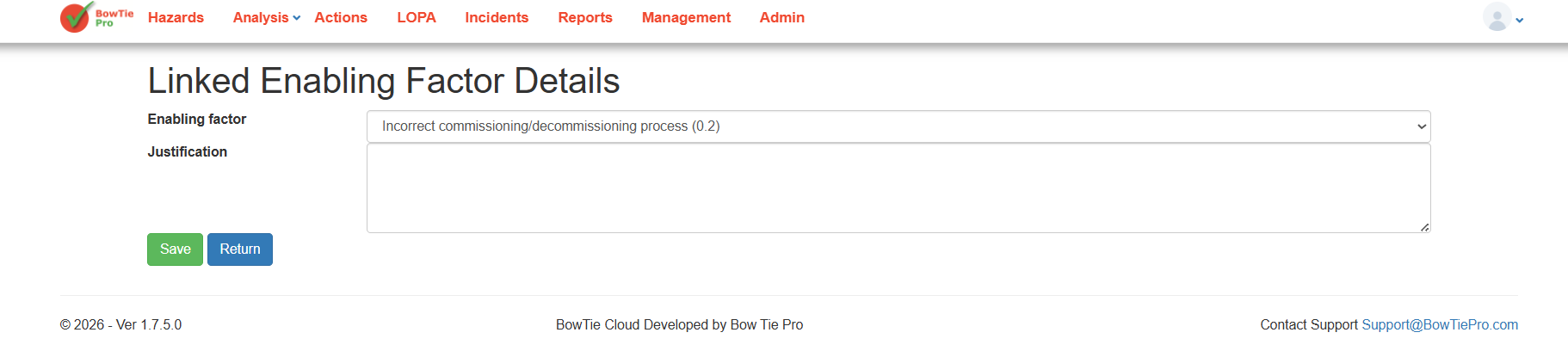
- The Linked Enabling Factor Details screen will open.
- Select an enabling factor from the dropdown list.
- Enter justification or supporting notes if required.
- Click Save.
The enabling factor will now be linked to the selected threat.
Why Enabling Factors Matter
Enabling factors improve the quality of LOPA analysis by identifying additional conditions that may influence threat occurrence.
Benefits include:
- Better risk visibility
- More realistic threat evaluation
- Improved documentation
- Stronger audit and compliance records
- Enhanced operational risk understanding
Best Practices for Enabling Factors
When adding enabling factors:
- Use clear and meaningful names
- Avoid duplicate entries
- Add proper justification where possible
- Link only relevant factors to each threat
- Review factors regularly as processes change