
BowTiePro includes an integrated incident management module that helps organizations record, track, and monitor operational incidents linked to hazards and risk scenarios.
The incident management workflow improves operational visibility by allowing teams to:
- Record incidents
- Link incidents to hazards
- Monitor investigation progress
- Track corrective actions
- Review open and closed incidents
- Improve operational learning
Understanding Incident Management
Incidents can be linked directly to hazards within the BowTie framework, helping organizations understand:
- What happened
- Which hazard was involved
- Which controls may have failed
- What corrective actions are required
This creates a direct connection between operational risk management and incident investigation.
Accessing the Incident Module
To access the incident management module:
- Log in to BowTiePro
- Navigate to the top menu
- Select Incidents
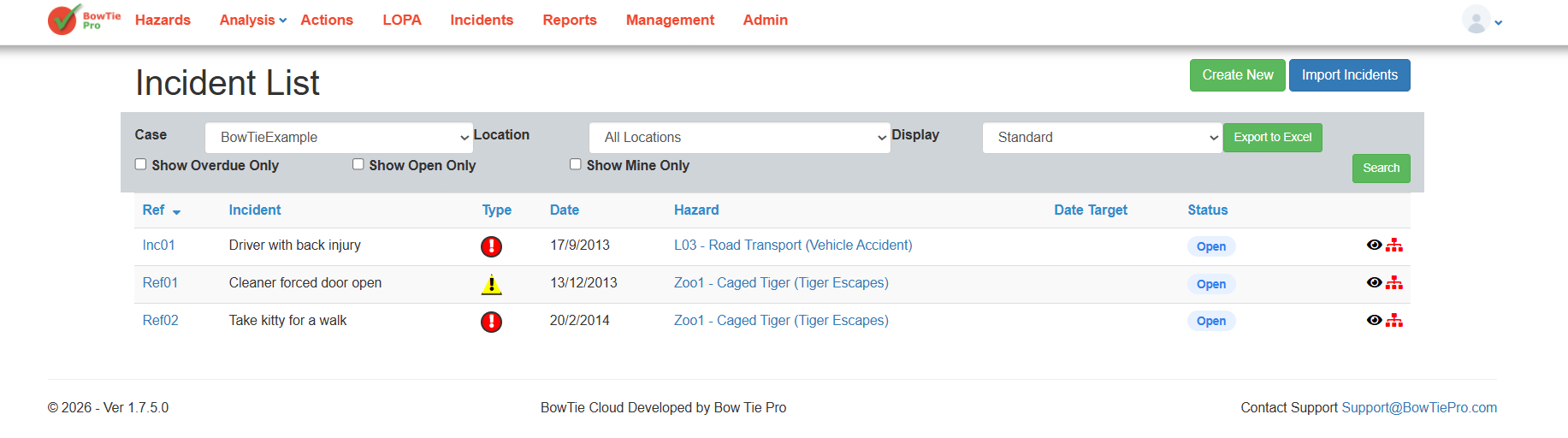
This opens the Incident List screen.
Understanding the Incident List Screen
The Incident List screen provides an overview of recorded incidents within the selected case.
The screen includes:
- Incident reference numbers
- Incident descriptions
- Incident types
- Associated hazards
- Target dates
- Incident status
- Open or overdue items
Users can also:
- Filter incidents
- Search by location
- Export incident data
- View open incidents only
Creating a New Incident
To create a new incident:
- Open the Incidents module
- Click Create New
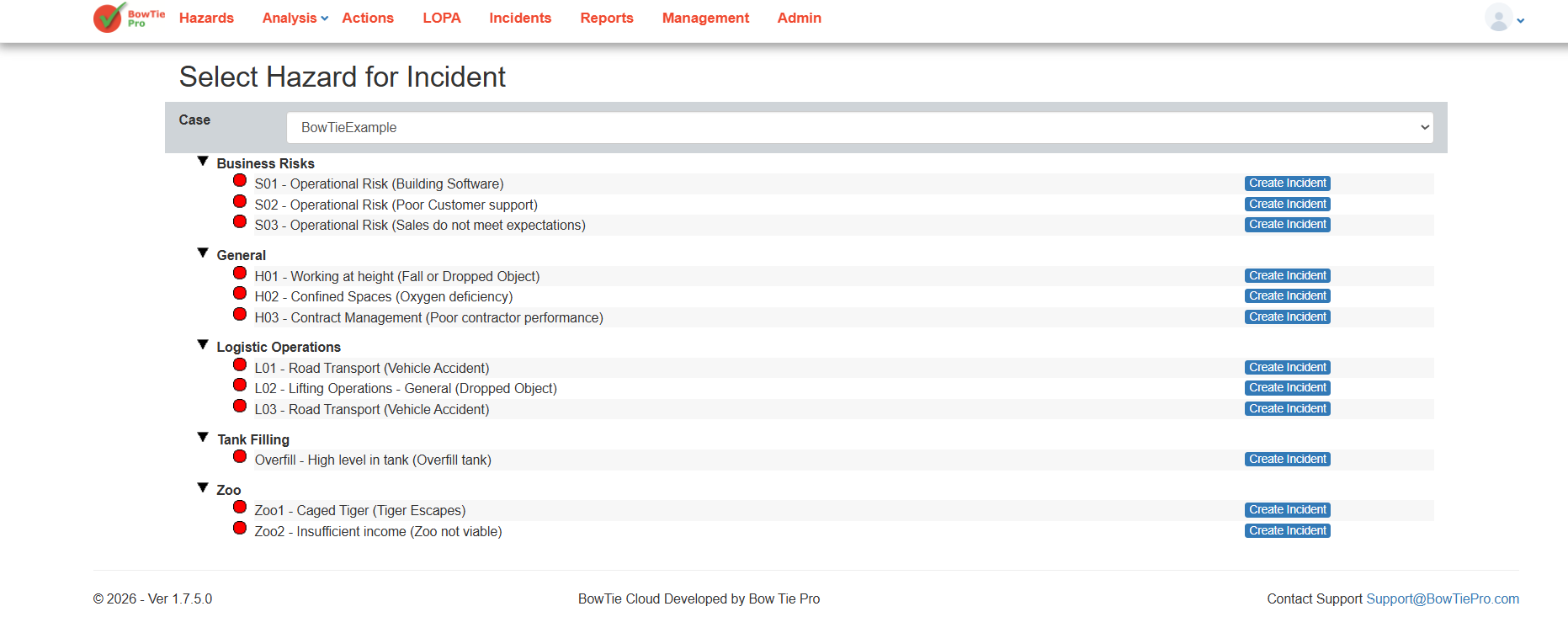
- Select the related hazard
- Continue to the incident entry workflow
- Enter incident details
- Save the incident
Completing Incident Details and Investigation Information
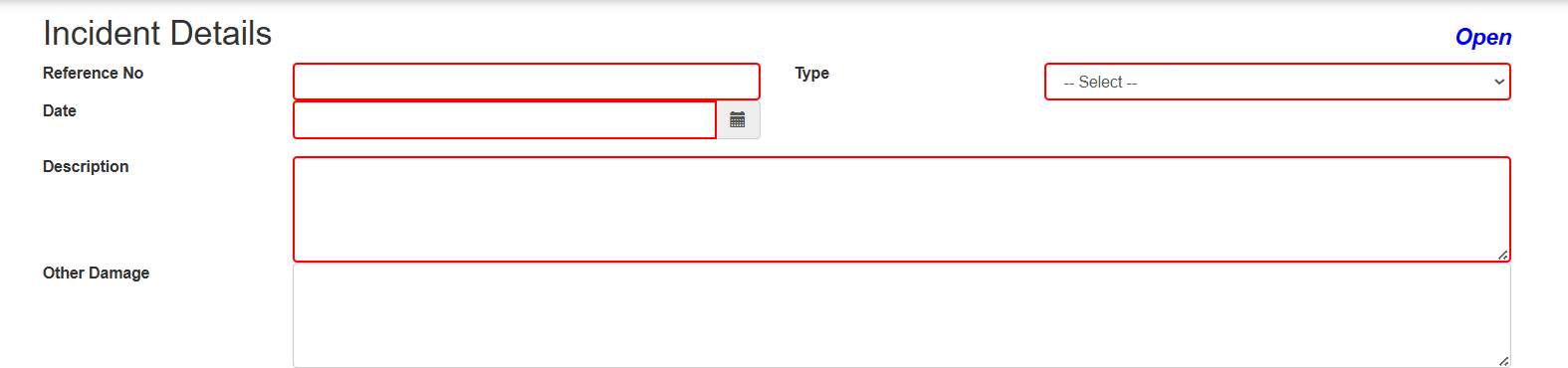
After selecting a hazard and clicking Create Incident, BowTiePro opens the Incident Details screen.
This screen allows users to fully document the incident, including:
- Incident reference number
- Incident type
- Incident description
- Damage information
- Threats that caused the incident
- Investigation details
- Assessment team members
- Affected areas
- Injured parties
- Completion and closeout information
Recording Threats and Consequences
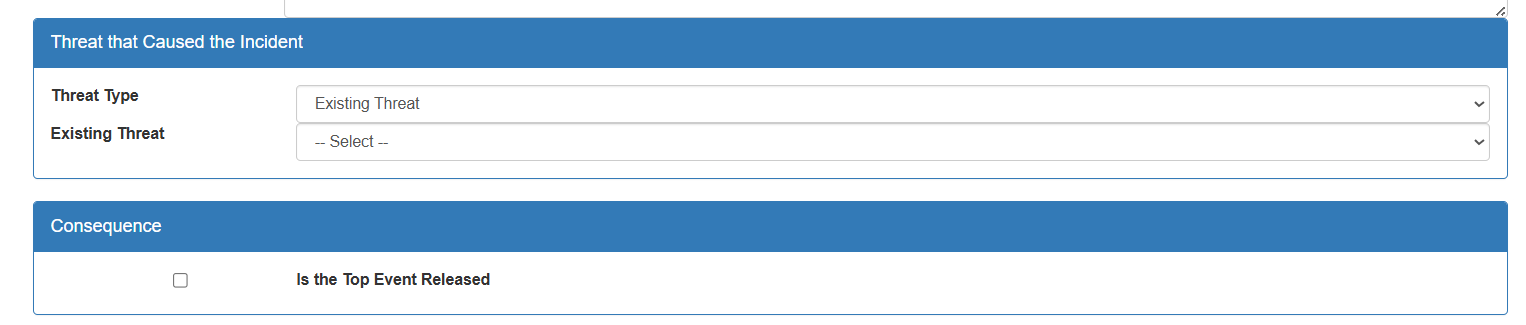
The Incident Details screen allows investigators to:
- Link the incident to an existing threat
- Identify contributing factors
- Record whether the top event was released
- Document operational consequences
This improves traceability between operational hazards and real-world incidents.
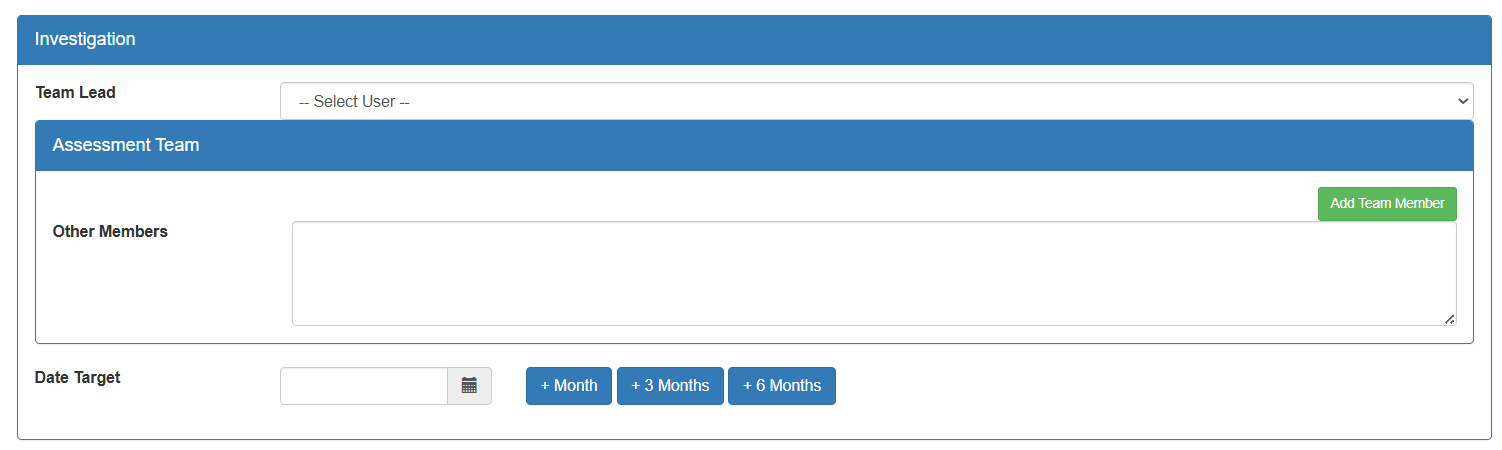
Managing Incident Investigations
The Investigation section helps organizations assign responsibility and track investigations.
Users can:
- Assign a team lead
- Add assessment team members
- Define investigation target dates
- Track investigation progress
This ensures accountability throughout the investigation lifecycle.
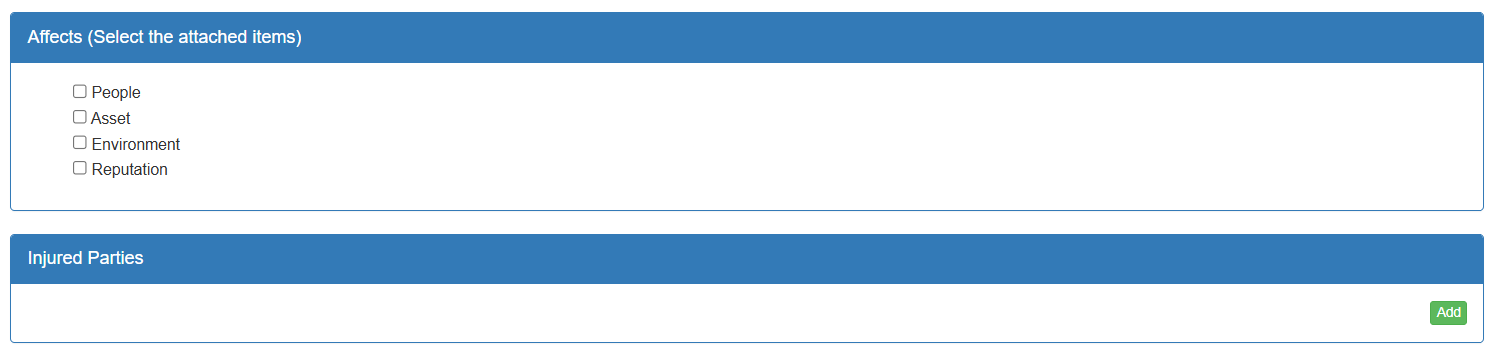
Recording Affected Areas and Injuries
BowTiePro allows users to classify incident impacts, including:
- People
- Assets
- Environment
- Reputation
Organizations can also record injured parties and related impact details.
This supports operational reporting and post-incident analysis.
Completing and Closing Incidents
Once investigations are completed, users can:
- Record the final report date
- Mark incidents as completed
- Close out investigations
This helps organizations maintain accurate operational records and track incident resolution status.

Linking Incidents to Hazards
BowTiePro links incidents directly to hazards and operational risk scenarios.
This helps organizations:
- Analyze recurring operational failures
- Identify weak controls
- Monitor trends
- Improve risk mitigation strategies
Linking incidents to hazards improves traceability and operational learning.
Monitoring Incident Status
Incidents can be monitored throughout their lifecycle.
Organizations can track:
- Open incidents
- Investigation progress
- Outstanding deficiencies
- Overdue activities
- Resolution status
This improves accountability and ensures incidents are properly followed up.
Incident Investigation and Corrective Actions
Incident investigations often result in:
- Corrective actions
- Operational reviews
- Additional controls
- Updated procedures
- Risk reassessments
BowTiePro integrates incident workflows with action tracking processes to improve operational follow-up.
Filtering and Searching Incidents
The Incident List screen includes filtering options that help users:
- View incidents by location
- Review open incidents only
- Monitor overdue items
- Search by case or hazard
These filters improve visibility for operational teams and management.
Benefits of Incident Management in BowTiePro
Using the incident management module helps organizations:
- Improve operational visibility
- Standardize incident tracking
- Improve follow-up management
- Support investigations
- Reduce recurring incidents
- Strengthen safety oversight
Centralized incident management also improves reporting consistency across teams.
Best Practices
When managing incidents in BowTiePro:
- Record incidents as early as possible
- Link incidents to the correct hazard
- Keep investigation details updated
- Track corrective actions regularly
- Review recurring trends
- Monitor overdue items closely
Consistent incident management improves operational awareness and long-term risk reduction.
BowTiePro helps organizations manage operational incidents through centralized workflows linked directly to hazards and risk scenarios.
By combining incident tracking, hazard linkage, and corrective action management, organizations can improve operational oversight, strengthen investigations, and support continuous improvement.