
After configuring threats, controls, enabling factors, and condition modifiers, BowTiePro calculates the final Layer of Protection Analysis (LOPA) results.
These results help users determine whether existing safeguards reduce risk to acceptable levels.
Viewing LOPA Results
To review LOPA results:
- Open the LOPA module.
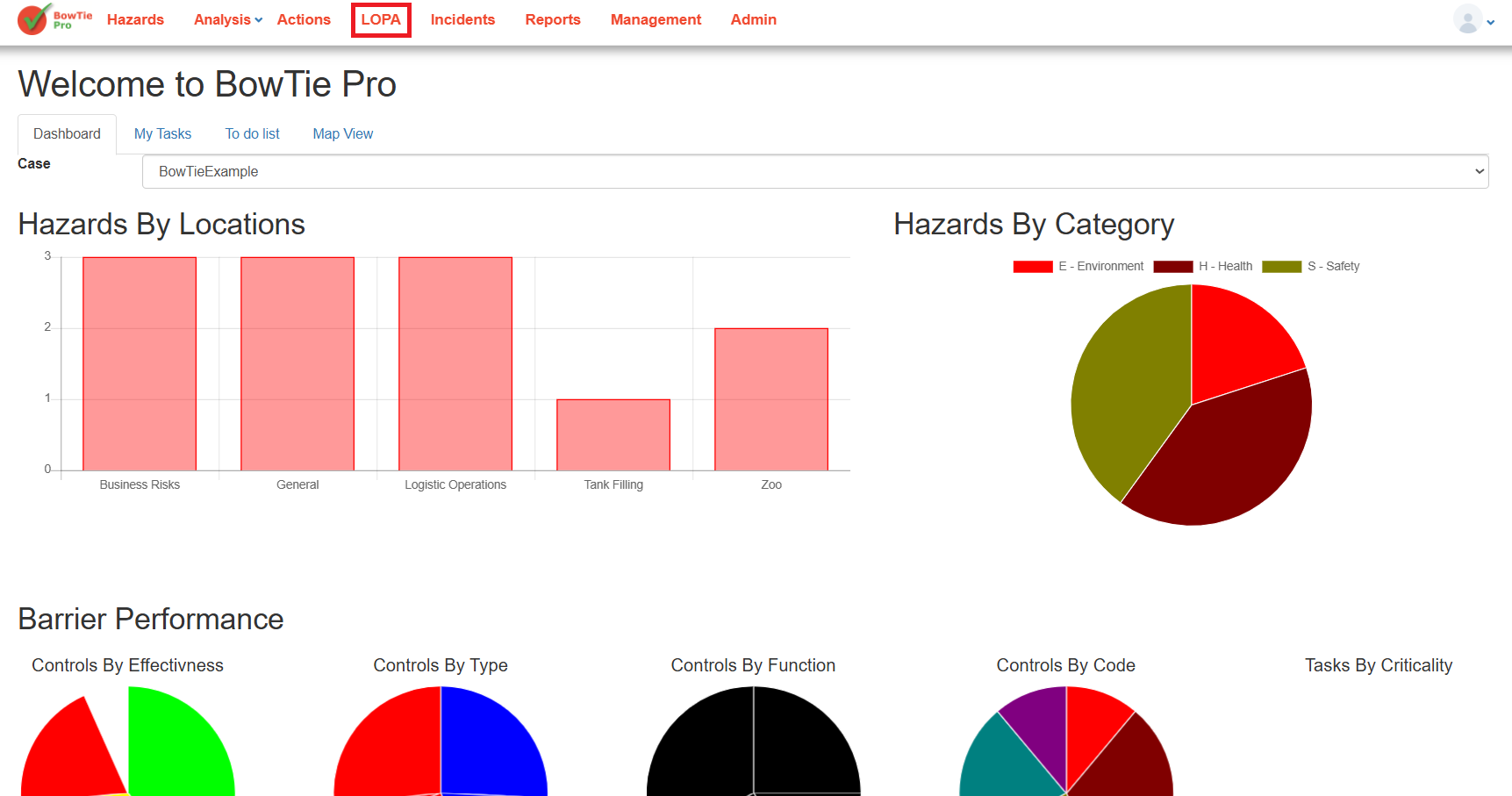
- Select an existing LOPA assessment.
- Review the assessment list and detailed analysis screens.
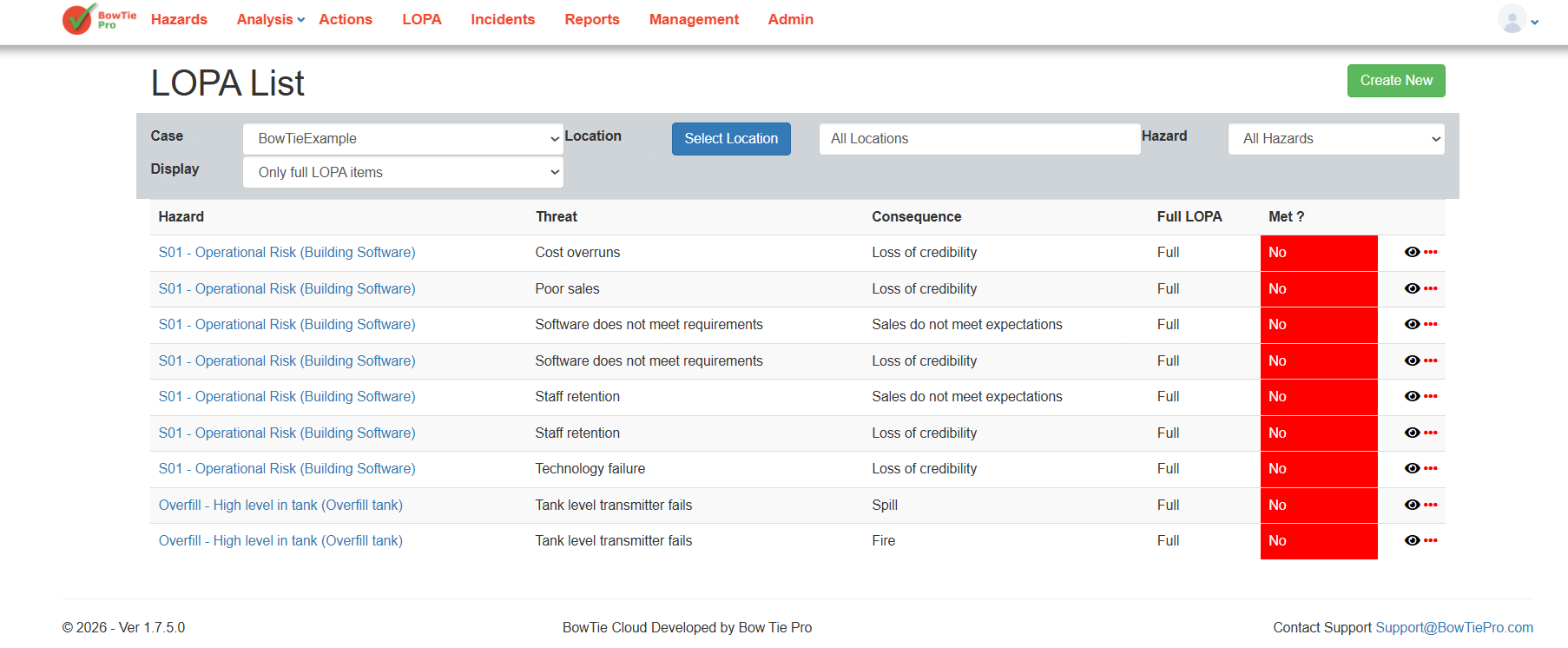
The LOPA List page provides a quick overview of all assessments, including:
- Hazard
- Threat
- Consequence
- Full LOPA status
- Final result status
Understanding the “Met?” Status
The Met? column indicates whether the calculated risk level meets the configured acceptance criteria.
Possible outcomes include:
- Yes — The scenario meets acceptable risk requirements.
- No — Additional safeguards or protection layers may be required.
A “No” result typically indicates that:
- Existing controls are insufficient
- Threat frequency is too high
- PFD values are inadequate
- Additional IPLs may be needed
Reviewing the LOPA Diagram
Users can visually review the assessment using the LOPA diagram.
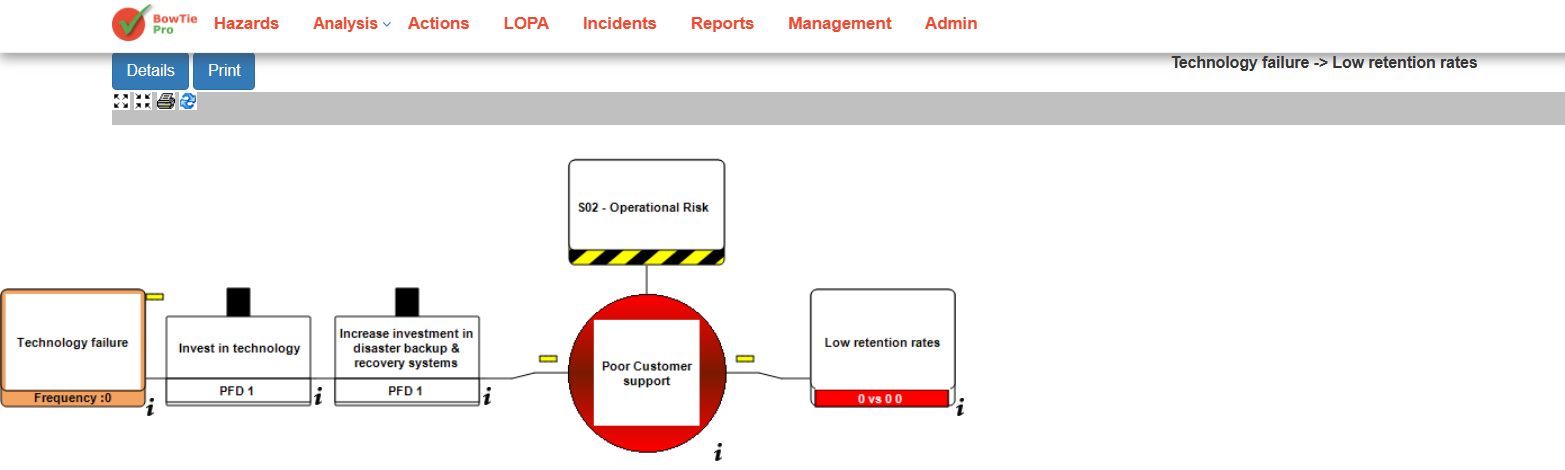
The diagram displays:
- Threats
- Independent protection layers (IPLs)
- Top events
- Consequences
- Control relationships
- Frequency paths
This visual representation helps users understand how each safeguard contributes to risk reduction.
Reviewing Detailed LOPA Information
Detailed calculation-related information is available within the LOPA Details page.
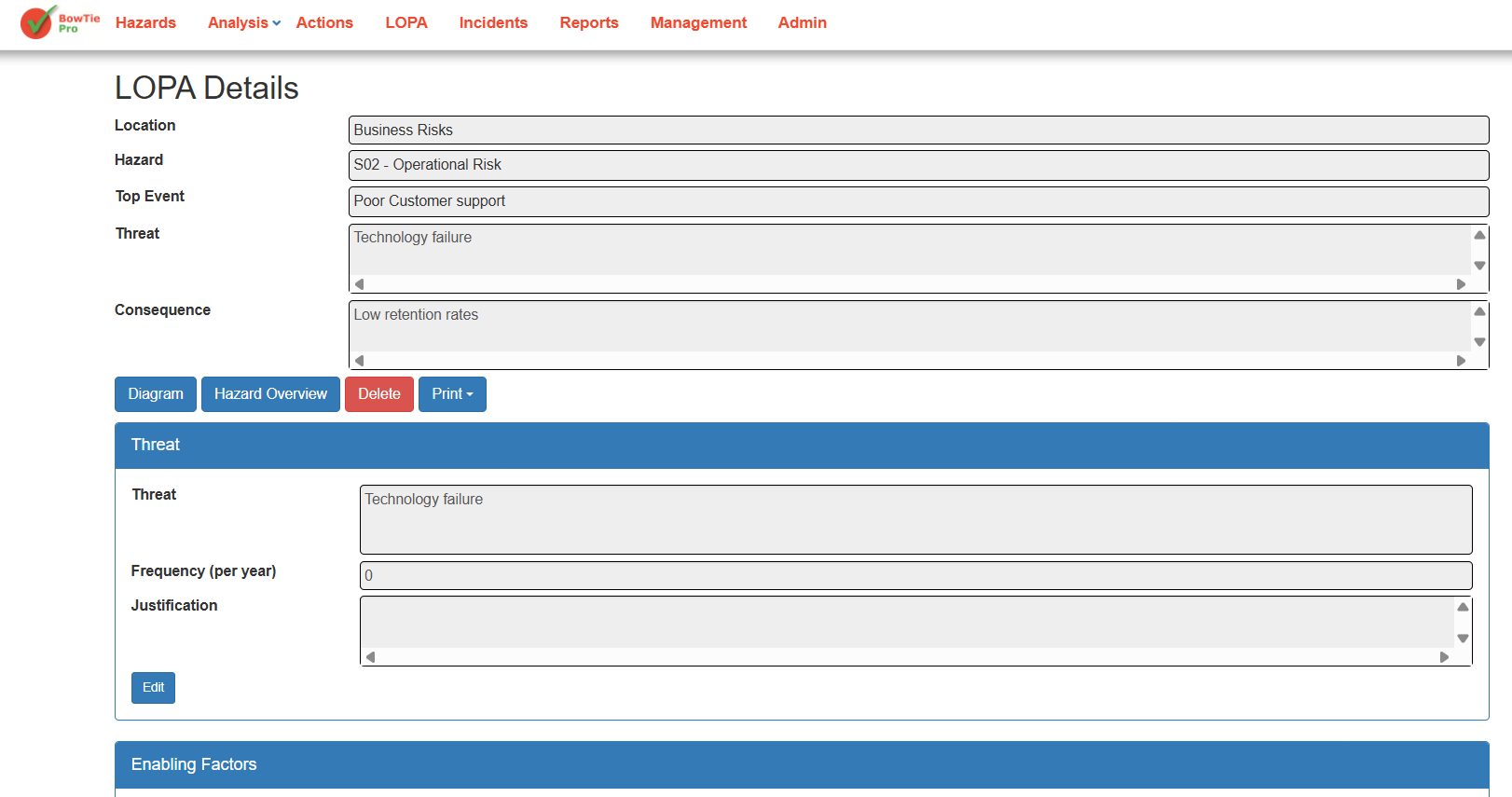
The details page includes:
- Threat frequency values
- Justifications
- Enabling factors
- Threat controls
- Consequence controls
- Condition modifiers
- PFD values
This information is used by BowTiePro to calculate the final assessment result.
Understanding Risk Reduction
LOPA calculations evaluate how effectively controls reduce the likelihood or impact of hazardous events.
Risk reduction is influenced by:
- Number of protection layers
- Quality of controls
- PFD values
- Threat frequency
- Condition modifiers
- Consequence mitigation measures
Higher-quality and independent safeguards generally improve overall results.
Using Results for Decision Making
LOPA results help organizations:
- Identify weak safeguards
- Determine if additional controls are required
- Improve operational safety
- Support SIL-related evaluations
- Prioritize risk mitigation activities
- Maintain compliance with risk management standards
Best Practices
When reviewing LOPA results:
- Verify all threat frequencies are accurate
- Review all control PFD values carefully
- Ensure IPLs are independent
- Regularly update assessments
- Document clear justifications
- Reassess scenarios after operational changes