The LOPA (Layer of Protection Analysis) module in BowTiePro allows users to create and manage quantitative risk assessments linked to hazards, threats, and consequences.
Users can access the LOPA module directly from the main navigation menu.
Accessing the LOPA Module
To access the LOPA module:
- Log in to BowTiePro.
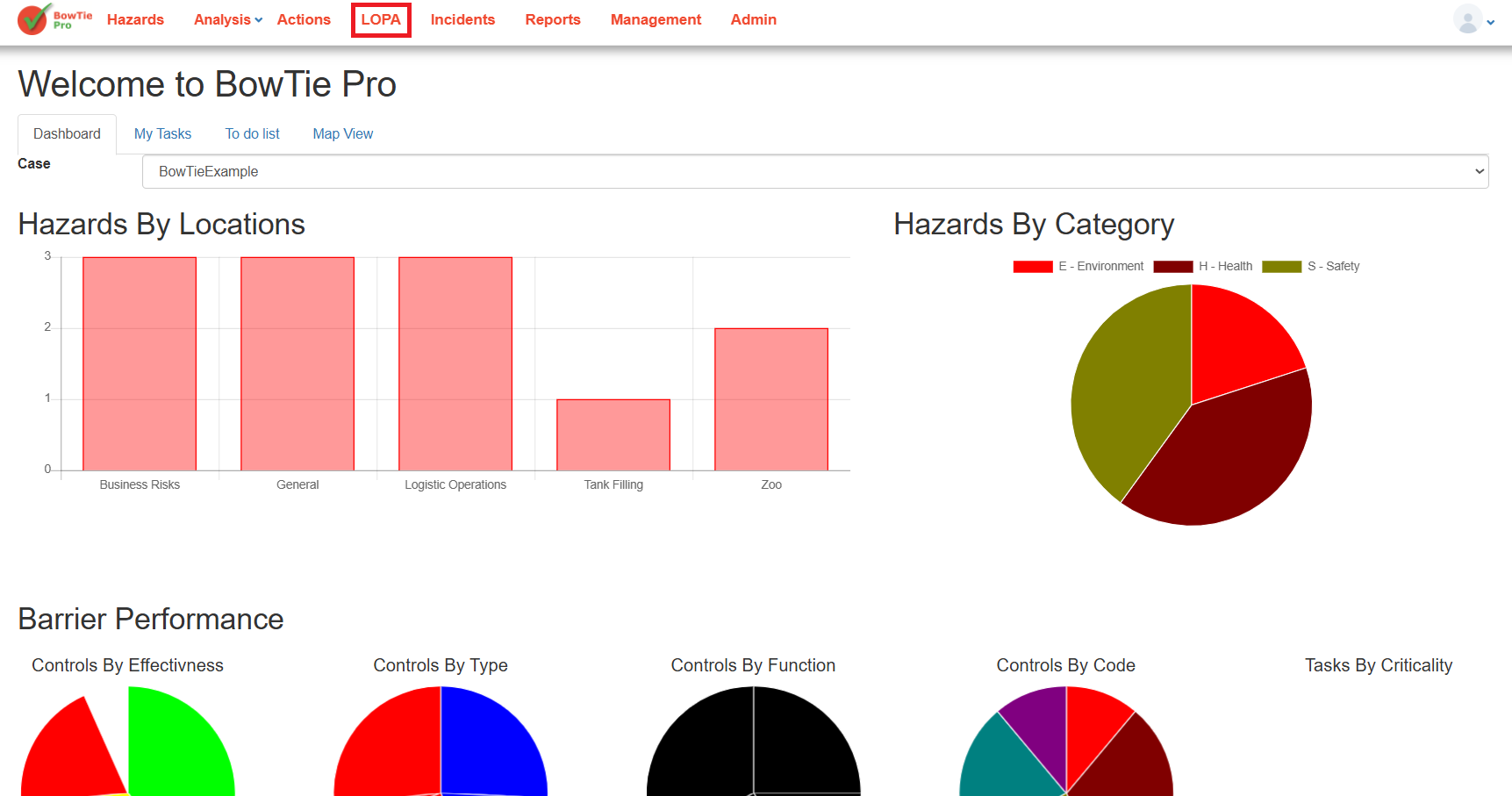
- From the top navigation menu, click LOPA.
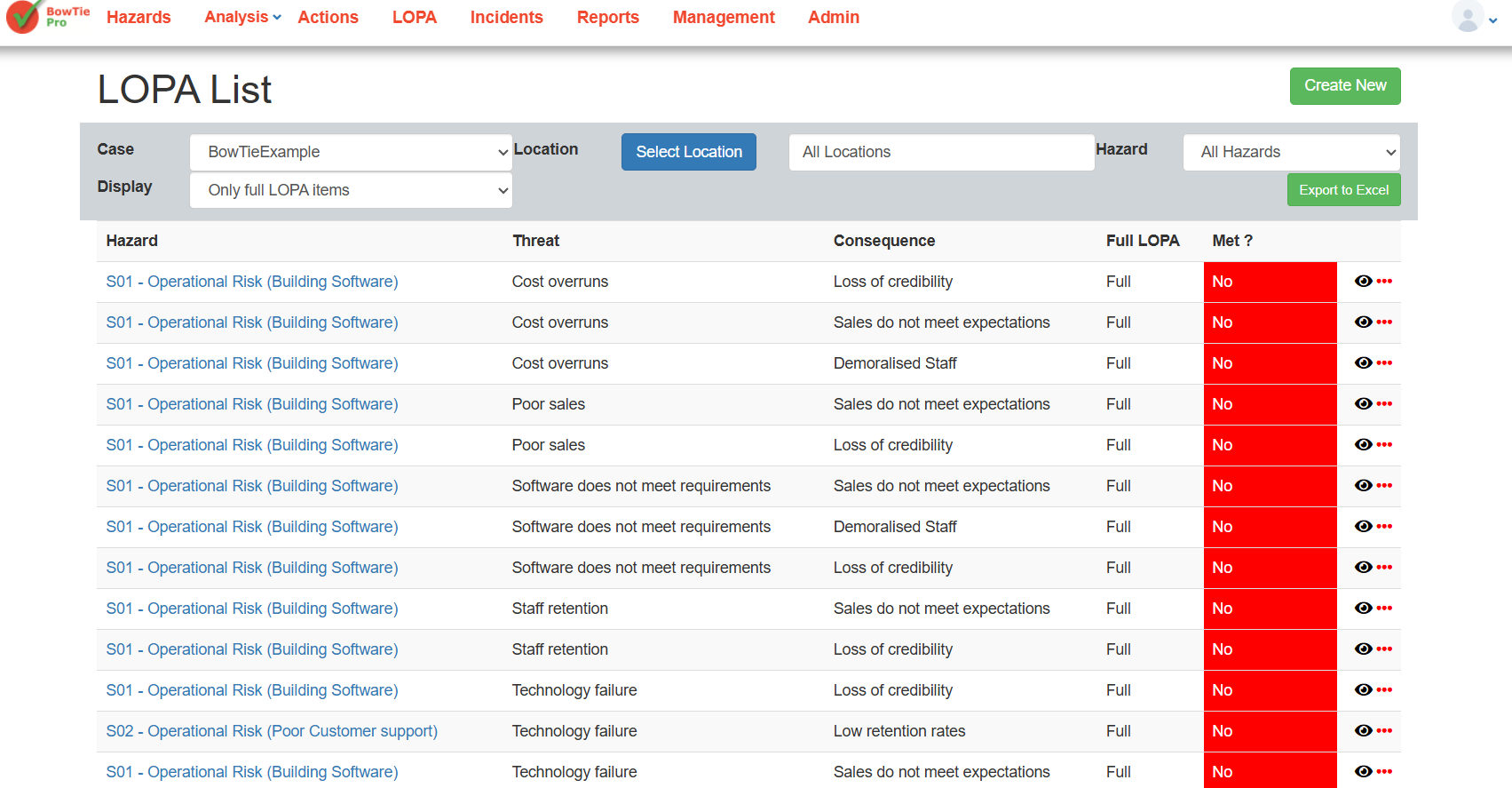
- The system will open the LOPA List screen.
Understanding the LOPA List Screen
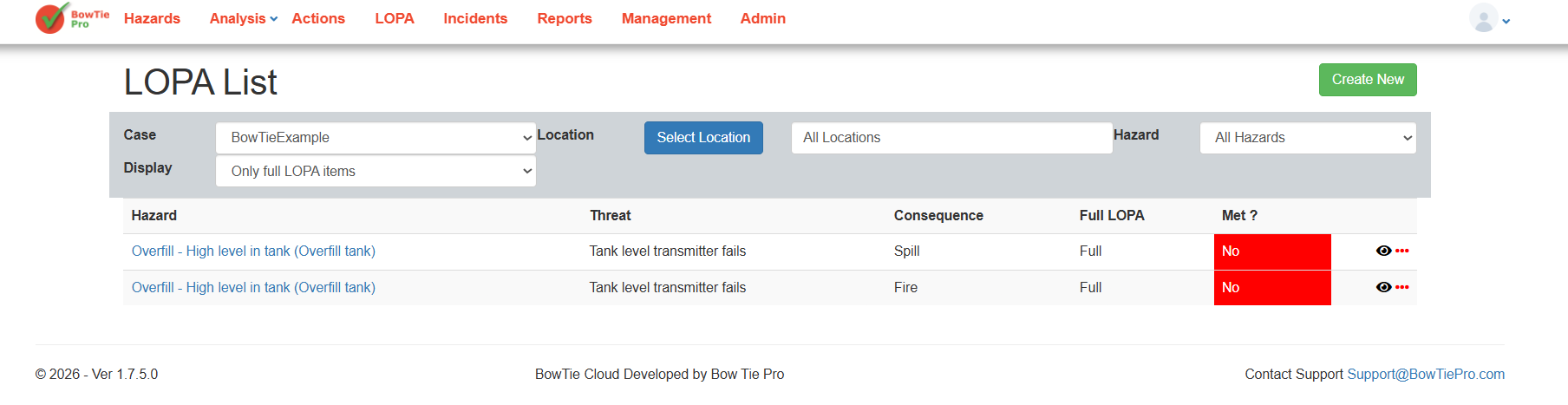
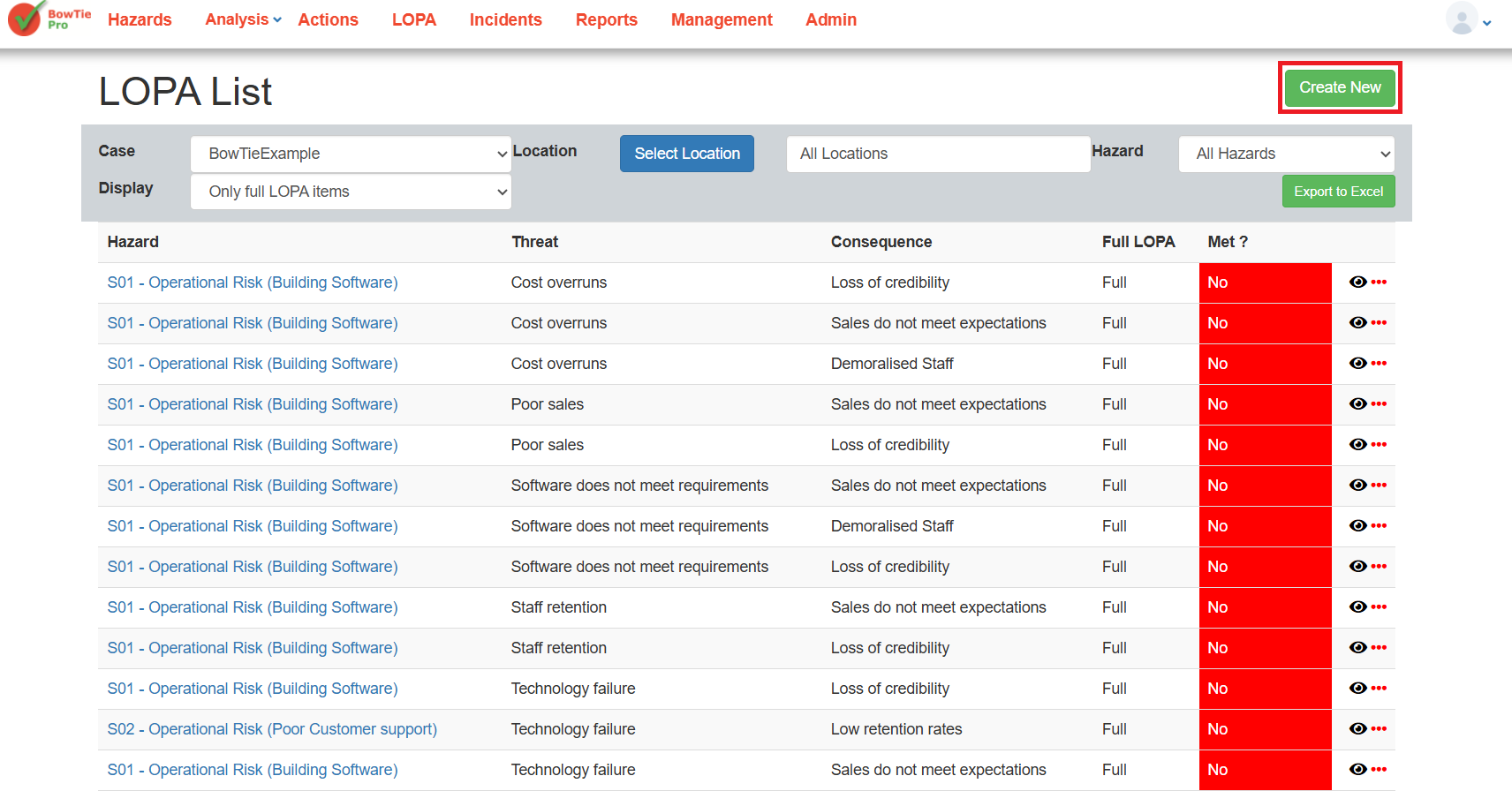
The LOPA List screen displays all available LOPA assessments for the selected case.
Each row represents a LOPA assessment linked to:
- A hazard
- A threat
- A consequence
The list helps users quickly review the status of existing LOPA analyses.
Available Filters
The top section of the page contains several filters used to narrow down displayed results.
Case
Select the case containing the required LOPA assessments.
Example:
- BowTieExample
Location
Filter LOPA items by location.
Users can:
- Select a specific location
- View all locations
Hazard
Filter assessments by hazard. This helps users quickly locate specific risk scenarios.
Display
The Display filter controls which LOPA items are shown.
Example:
- Only full LOPA items
Understanding LOPA Columns
The LOPA list includes several important columns.
Hazard
Displays the linked hazard.
Example:
- Overfill – High level in tank
Threat
Displays the initiating threat associated with the assessment.
Example:
- Tank level transmitter fails
Consequence
Displays the consequence being evaluated.
Examples:
- Spill
- Fire
Full LOPA
Indicates whether the assessment is configured as a full LOPA analysis.
Met?
Displays whether the calculated result meets the defined acceptance criteria.
Typical values:
- Yes
- No
Colour indicators may also be displayed for quick visibility.
Creating a New LOPA Assessment
To create a new assessment:
- Click the Create New button.
- Configure the required hazard, threat, and consequence information.
- Continue building the LOPA assessment.
Detailed configuration steps are covered in later articles.
Viewing Existing LOPA Assessments
Users can open existing LOPA assessments directly from the list.
This allows users to:
- Review calculations
- Update controls
- Modify frequencies
- Review acceptance status