
Condition modifiers in BowTiePro are factors that influence the likelihood or effectiveness of risk scenarios within a LOPA (Layer of Protection Analysis) assessment.
These modifiers help organizations account for additional operational or environmental conditions that may impact the overall risk calculation.
Condition modifiers are commonly used for:
- Human performance conditions
- Environmental influences
- Operational complexity
- Temporary process conditions
- Special operational situations
Using condition modifiers helps create more realistic and accurate LOPA assessments.
Opening the LOPA Diagram
To configure condition modifiers:
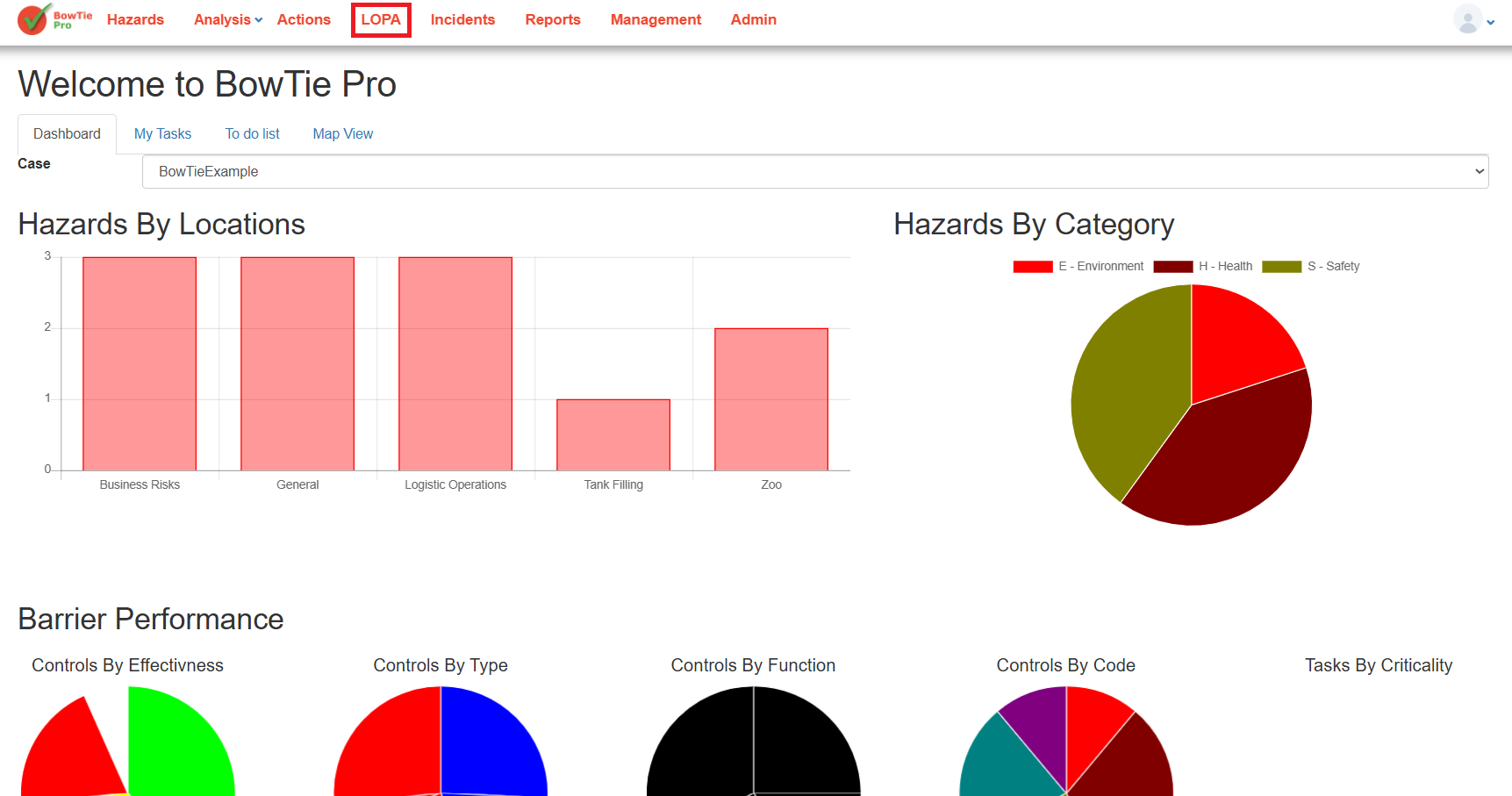
- Open the LOPA module from the top navigation menu.
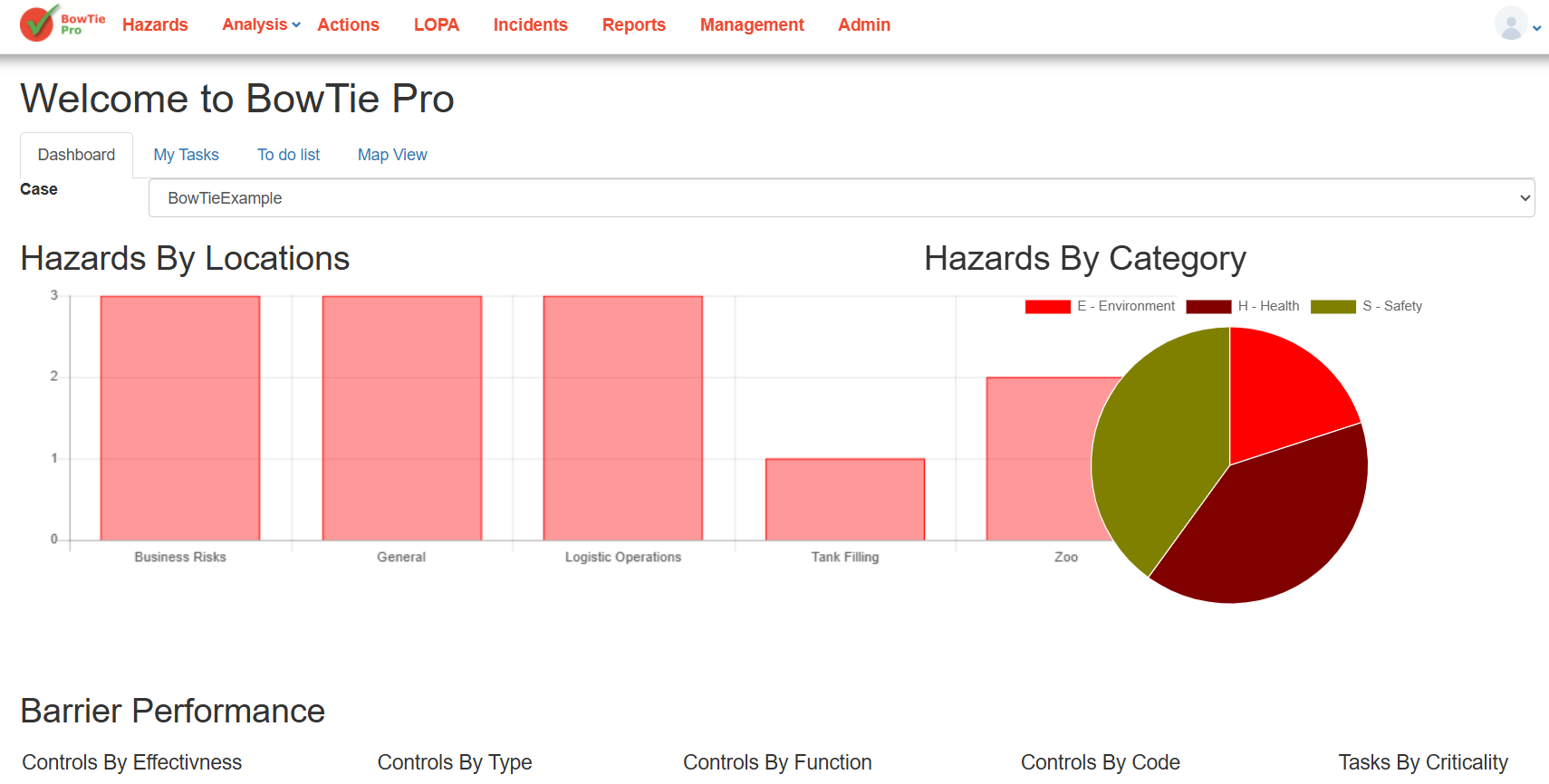
- Open an existing LOPA assessment.
- The LOPA diagram will display:
- Threats
- Controls
- Hazard
- Consequences
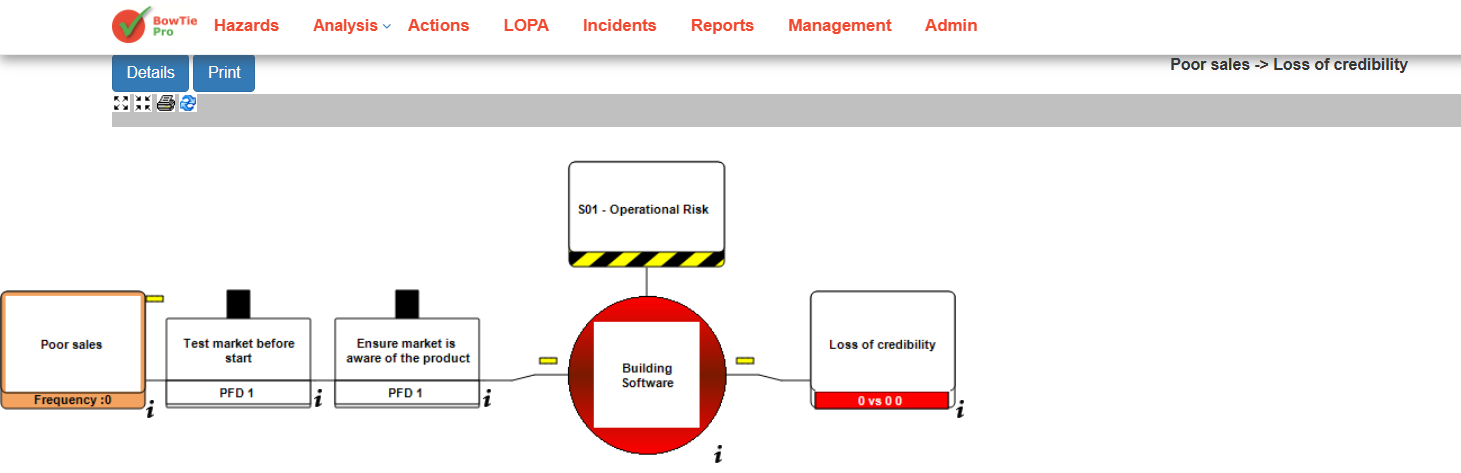
Opening the LOPA Control Details Screen
Condition modifiers are configured through the control/barrier settings.
To open the control details:
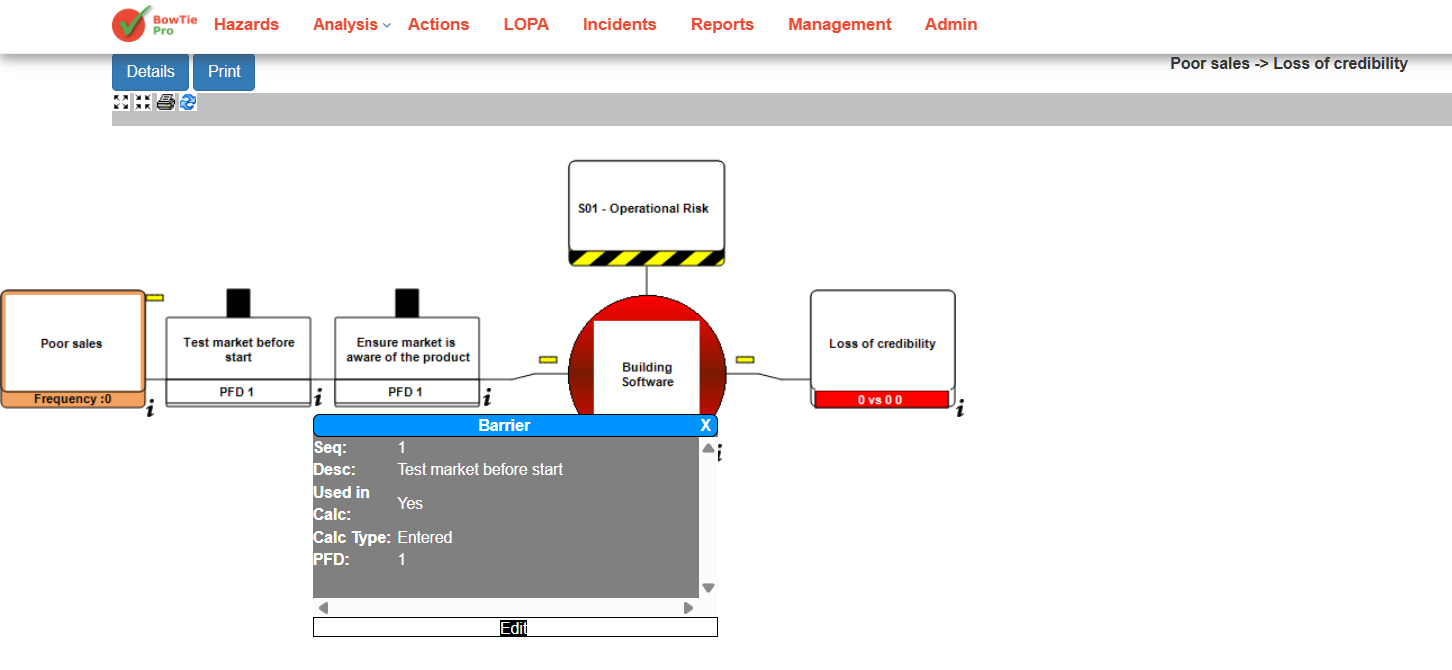
- Click the small information (i) icon below a control/barrier.
- A barrier information popup will appear.
- Click Edit.
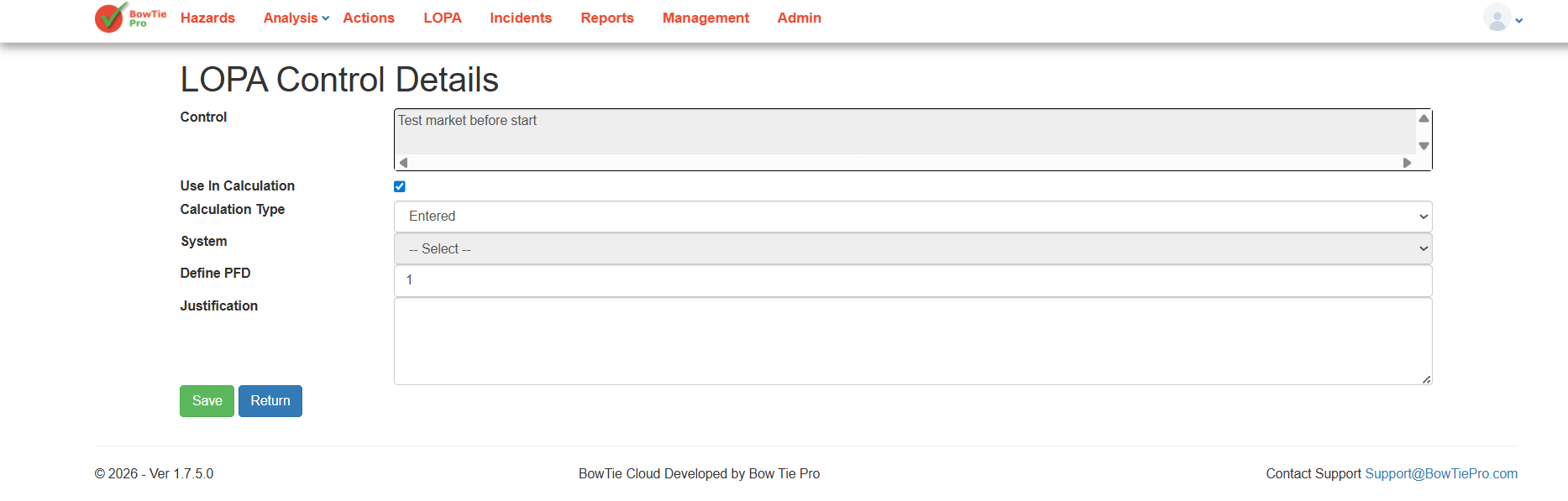
You will be redirected to the LOPA Control Details screen.
Configuring Control Values and Modifiers
Inside the LOPA Control Details screen, you can configure how the control behaves within the LOPA calculation.
Available configuration options include:
- Use In Calculation
- Calculation Type
- System selection
- Define PFD (Probability of Failure on Demand)
- Justification notes
These values influence the effectiveness of the control and contribute to the final LOPA calculation results.
After entering the required values:
- Review the configuration carefully.
- Enter supporting justification if needed.
- Click Save.
Understanding PFD in Condition Calculations
PFD (Probability of Failure on Demand) represents the likelihood that a control or safeguard may fail when required.
Lower PFD values indicate stronger and more reliable safeguards, while higher values indicate weaker protection layers.
Accurate PFD values are important for:
- Reliable LOPA calculations
- Proper SIL evaluations
- Accurate risk reduction measurements
- Better operational safety decisions
Best Practices for Condition Modifiers
When configuring condition modifiers and control values:
- Use realistic and validated PFD values
- Document justification clearly
- Review calculations regularly
- Avoid overly optimistic assumptions
- Align values with operational standards and procedures