
BowTiePro allows users to update and manage action information throughout the action lifecycle.
Editing action details helps organizations:
- Maintain accurate records
- Update responsibilities
- Adjust priorities
- Revise target dates
- Track workflow progress
- Improve operational follow-up
Users can edit actions directly from the Action List or Action Board views.
Opening an Action
To edit an existing action:
- Log in to BowTiePro.
- Navigate to the Actions module.
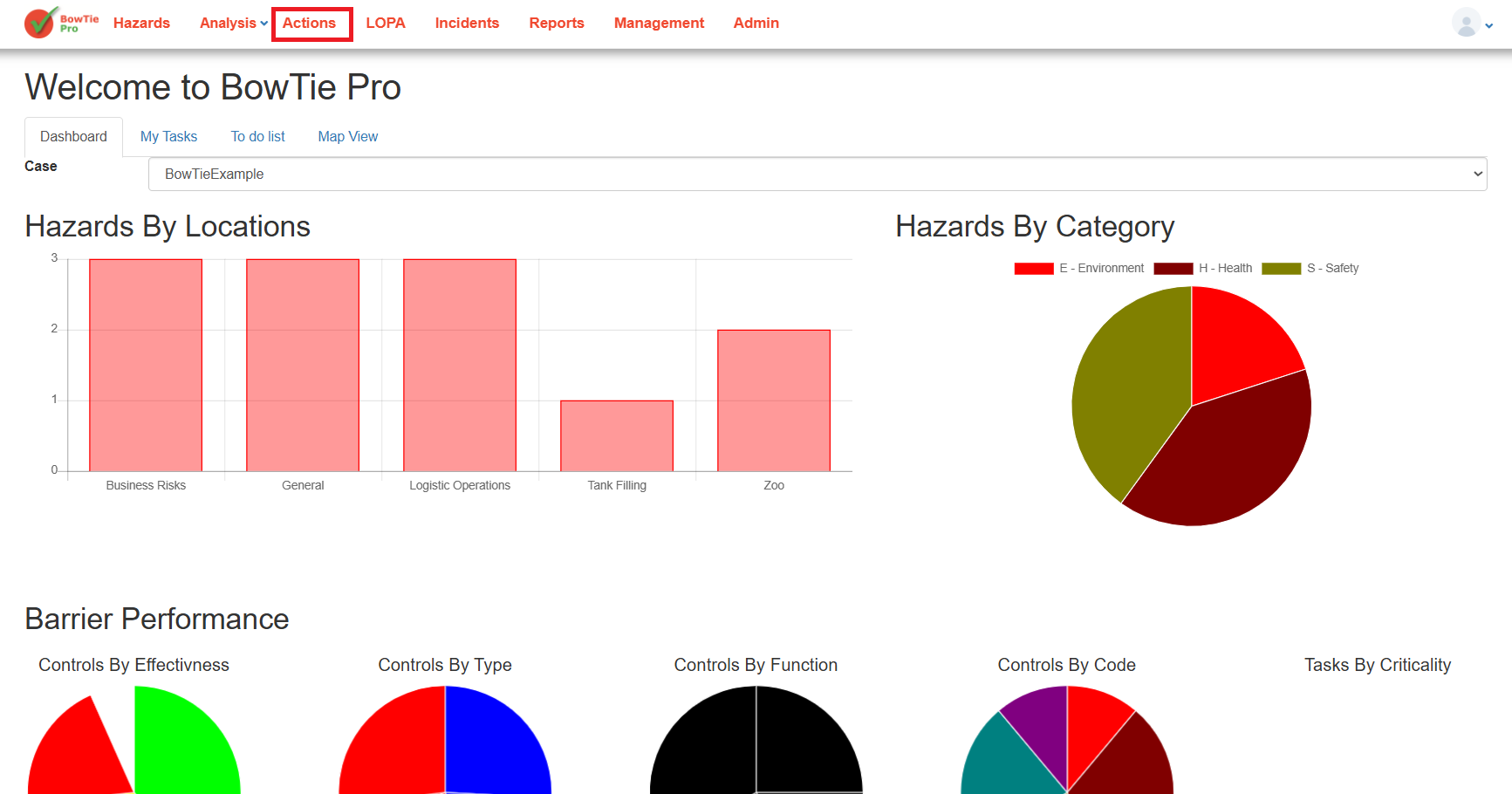
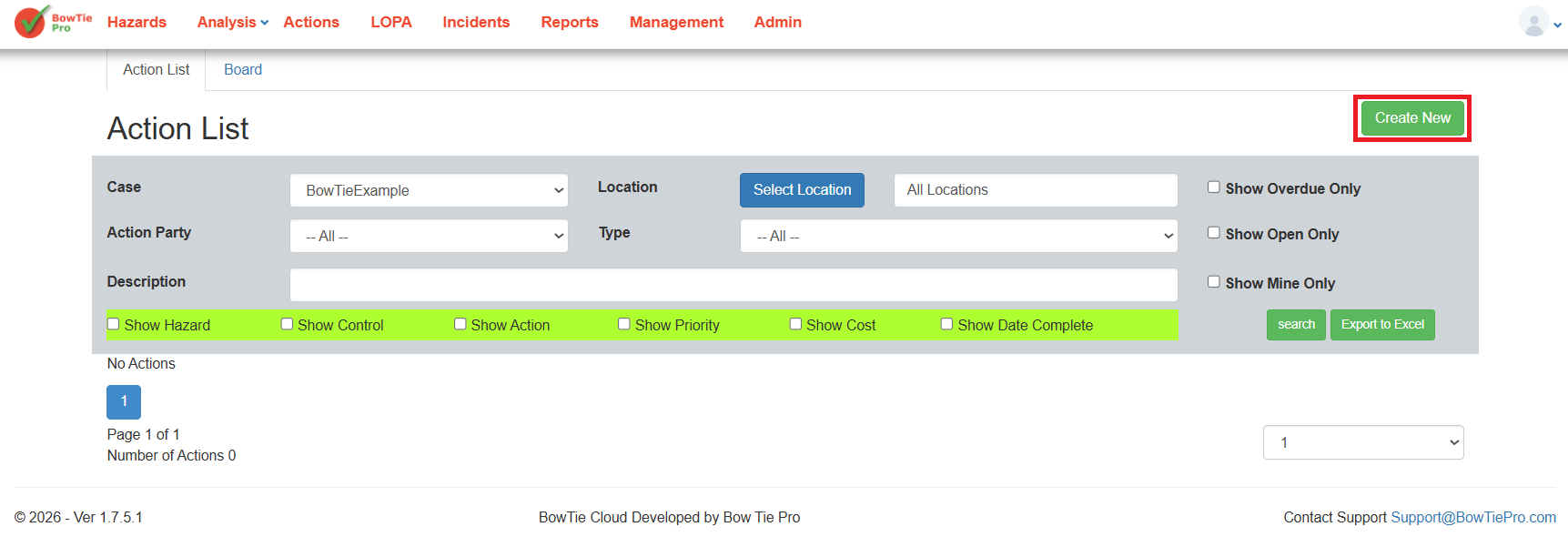
- Open either:
- Action List view
- Action Board view
- Select the Create New.
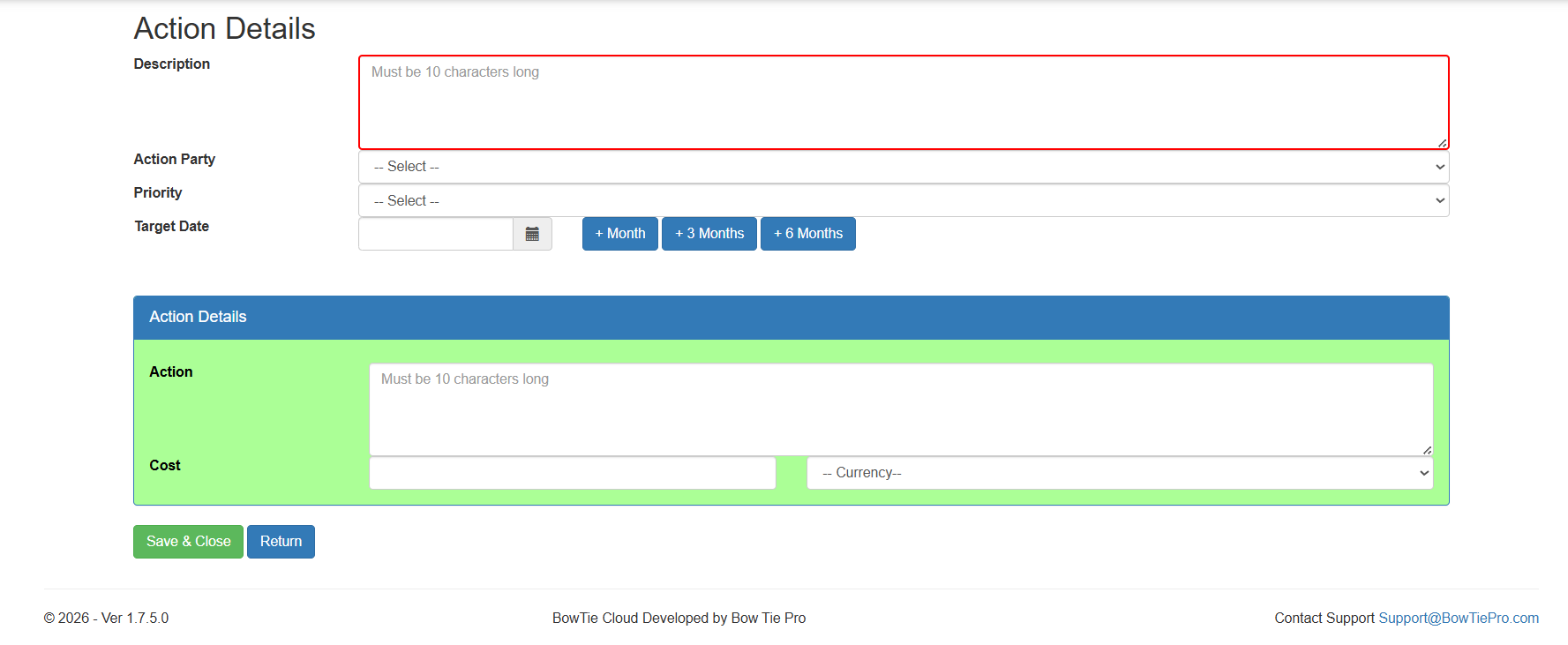
The Action Details screen will open.
Understanding the Action Details Screen
The Action Details screen contains all information related to the selected action.
Typical fields include:
- Description
- Action Party
- Priority
- Target Date
- Action Details
- Cost information
- Workflow information
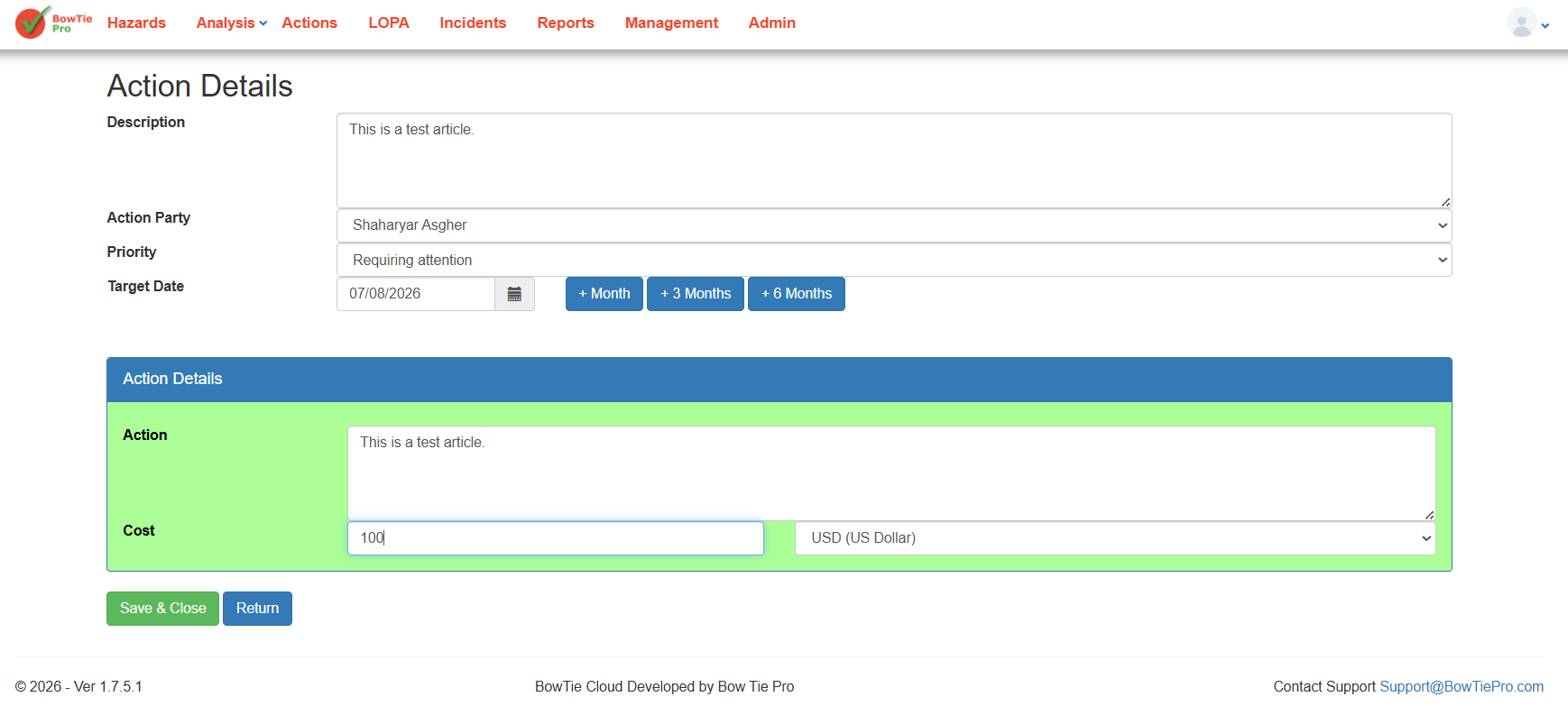
This screen is used to manage and update the action throughout its lifecycle.
Editing the Action Description
The Description field can be updated to provide more accurate or detailed information about the required activity.
Descriptions should:
- Clearly explain the task
- Be specific and actionable
- Reflect the latest operational requirements
Updating the Assigned Party
The Action Party field allows users to reassign ownership of the action when required.
This may be necessary if:
- Responsibilities change
- Teams are restructured
- Additional expertise is needed
Keeping ownership updated helps maintain accountability.
Changing Priority Levels
The Priority field can be modified to reflect changing operational risk levels or business requirements.
Priority updates help organizations:
- Focus on critical actions
- Improve workload management
- Address urgent deficiencies more quickly
Updating the Target Date
Users can revise the Target Date when timelines change.
Target dates should remain:
- Realistic
- Achievable
- Aligned with operational priorities
Updated dates help improve tracking and reporting accuracy.
Editing Action Details and Notes
The Action Details section allows users to:
- Add implementation notes
- Update progress information
- Record operational comments
- Provide additional instructions
Maintaining detailed notes improves communication and audit traceability.
Saving Changes
After updating the required fields:
- Review all changes carefully.
- Click Save or Save & Close.
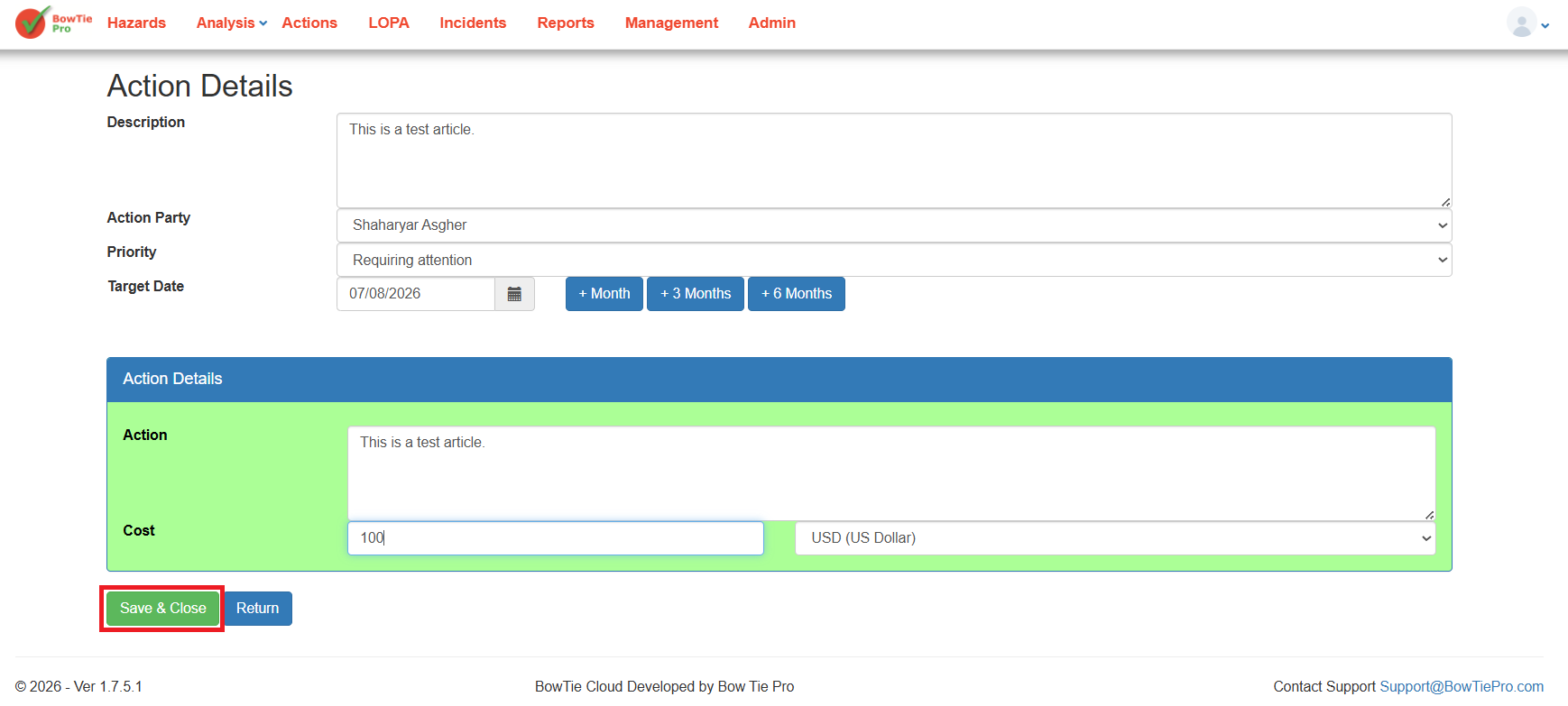
The updated information will immediately appear within:
- Action List view
- Action Board view
- Workflow tracking screens
Benefits of Keeping Action Details Updated
Maintaining accurate action information helps organizations:
- Improve accountability
- Track operational progress
- Reduce overdue actions
- Improve audit readiness
- Strengthen workflow visibility
- Support better operational decision-making
Best Practices
When editing action details:
- Keep descriptions clear and current
- Update ownership promptly
- Review priorities regularly
- Maintain accurate due dates
- Add meaningful progress notes
- Save changes consistently